
Introduction
The appearance of the eye symbol on your Android device can be puzzling if you don’t know its purpose. This small icon often sparks curiosity and concern, leaving users wondering about its function. With this article, you will uncover the significance of the eye symbol, learn how to manage its settings, tackle any privacy concerns, and troubleshoot common issues to improve your Android user experience.
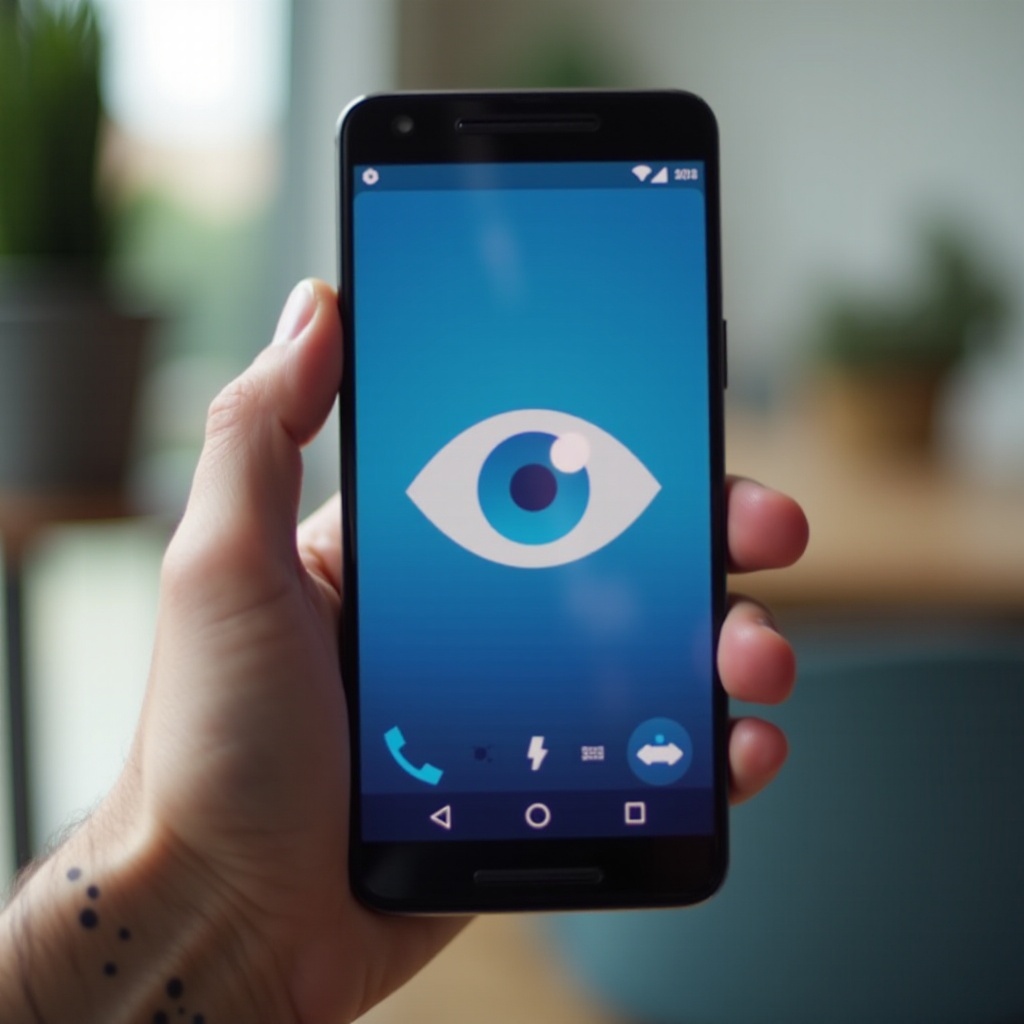
What Does the Eye Symbol on Android Mean?
The eye symbol is not just an ordinary icon; it signifies an important feature known as ‘Smart Stay’ or similar, depending on your device model. When activated, it uses your device’s front camera to detect if you’re looking at the screen, keeping it lit without you having to touch it. This feature offers convenience, especially when reading or watching lengthy content. Understanding this symbol’s role enhances your awareness of how your device is designed to function, thereby enriching your interaction with it.
When and Where Will You See the Eye Symbol?
After understanding its meaning, knowing when and where the eye symbol appears becomes crucial. Typically, it shows up when you’re engaged in activities that require turning the screen on for extended periods, such as reading articles or watching videos. You’ll see the symbol in your notification bar, indicating that the Smart Stay feature is active. Recognizing these instances allows you to anticipate when your device is leveraging this feature, helping to maintain focus on your tasks without interruption.
How to Manage the Eye Symbol Settings
The constant presence of the eye symbol might be distracting for some users. Fortunately, managing its settings is straightforward. Here’s how you can do it:
1. Open your device’s ‘Settings’ app.
2. Go to ‘Display’ and then tap ‘Advanced’ settings.
3. Locate the ‘Smart Stay’ (or ‘Screen Attention’) feature.
4. Toggle it on or off based on your preference.
Adjusting these settings offers a tailored experience, allowing you more control over your device’s functionality without unnecessary distractions, providing seamless interaction with your Android device.
Privacy Concerns Related to the Eye Symbol
Using the eye symbol involves the camera being active, which can raise privacy issues. Users concerned with privacy should be mindful of app permissions linked to camera operation. Key steps you can implement to protect your privacy include:
– Regularly checking and updating app permissions to confirm that only trusted apps have camera access.
– Engaging with the privacy menu to understand how your data is utilized by these features.
By taking these measures, you’ll ensure that the devices usage remains safe and aligned with your privacy preferences, granting peace of mind as you explore your device’s capabilities.
Troubleshooting the Eye Symbol on Android
There can be instances where the eye symbol acts erratically or is absent when needed. Troubleshooting such issues can significantly improve your device use:
– Clean the front-facing camera to ensure it accurately recognizes your face.
– Verify your device’s software is updated, as updates can rectify dysfunctions like a malfunctioning eye symbol.
– Restart your device if the feature becomes unresponsive.
Should the issue persist even after these steps, you may want to check your device manufacturer’s website for more advanced troubleshooting tips or reach out to customer support. Understanding these troubleshooting steps ensures an uninterrupted experience while leveraging your device’s smart capabilities.
Conclusion
The eye symbol on Android is not merely an enigmatic icon but an indicator of smart technology aimed at improving user experience. Understanding its function, managing your settings, addressing privacy concerns, and resolving any issues that may arise empowers you to make informed decisions about your device’s use. Equipped with this knowledge, you can maximize the potential of your Android device while enjoying a seamless and secure digital experience.
Frequently Asked Questions
Why does the eye symbol keep appearing on my Android phone?
The eye symbol appears because the Smart Stay feature is actively monitoring your interactions with the screen. Adjust settings if you find it disruptive.
Is the eye symbol feature available on all Android devices?
Not every Android device supports this feature. Its availability depends on your device’s model and software version.
How can I disable the eye symbol if I no longer want to use it?
To disable it, go to Settings > Display > Advanced Settings, and toggle off the Smart Stay feature.